How to Use Dual Standby on Dual SIM Phones: Setup, Defaults, and Fixes
How to Use Dual Standby on Dual SIM Phones: Setup, Defaults, and Fixes
By Chester Takau · DualSIMCardPhone · Updated September 2026
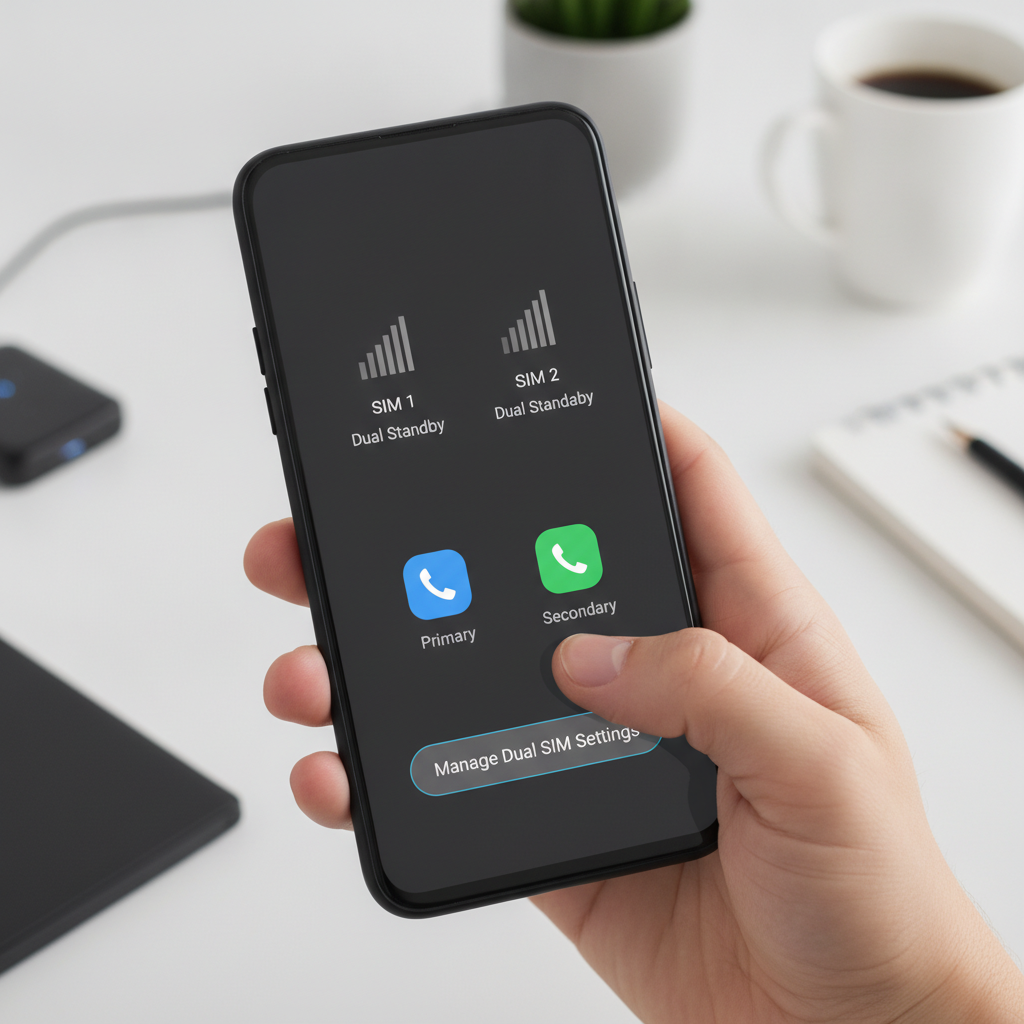
Dual standby means both of your SIMs are registered on their networks at the same time, sharing one radio that listens to each in turn. Using it well comes down to four moves: activate both lines, label them, assign a default SIM separately for calls, texts and mobile data, and switch on VoLTE for each line. Do that and both numbers stay reachable at idle. Skip it and you get the classic dual-SIM complaint — missed calls and late texts on whichever line you weren't using.
- Insert or activate both SIMs (two physical, physical + eSIM, or dual eSIM) and confirm each shows signal.
- Label the lines — Personal / Work, Home / Travel — so every prompt on screen makes sense.
- Set the three defaults independently: one SIM for calls, one for SMS, one for data. They can all be different.
- Turn on VoLTE / 4G calling for both lines, not just the primary.
- Choose "ask every time" for outgoing calls if you regularly dial from both numbers.
About the author: Chester Takau is an independent reviewer of dual-SIM and eSIM technology, testing setups from the Pacific where connectivity choices really matter.
Dual standby setup planner
Answer three questions and get a default-SIM assignment plus the standby limits that apply to your setup. Based only on the facts in this article.
What dual standby actually does
Almost every dual-SIM phone sold in 2026 uses dual SIM dual standby (DSDS), and it's worth knowing what that label commits you to. The phone has one modem and one radio path, and it splits its attention between your two lines: at idle it checks in with network A, then network B, fast enough that both appear connected at once. Yes — you really can run two networks on one phone, on two different carriers, from a single device.
The catch arrives the moment one line gets busy. When line 1 starts a call or a heavy data session, the radio commits to it and line 2's check-ins effectively stop. Callers to line 2 hit voicemail; texts queue up and may land in a batch later. The alternative architecture, dual SIM dual active (DSDA), gives each line its own radio path so both stay genuinely live — but a July 2026 5Gstore guide to DSDS notes dual-active hardware costs roughly 15–20% more to build and draws about 30% more idle power, which is why a 2026 buying guide from Alibaba Electronics finds DSDA confined to a handful of niche and enterprise devices.
| Behaviour | Dual standby (DSDS) | Dual active (DSDA) |
|---|---|---|
| Radio hardware | One shared modem/radio path | Two independent radio paths |
| Both lines reachable at idle | Yes | Yes |
| Line 2 during a call on line 1 | Unreachable (calls to voicemail, texts delayed) | Still rings through |
| Simultaneous data on both lines | No | Yes |
| Build cost / idle power | ~15–20% lower BOM; ~30% lower idle draw (5Gstore, 2026) | Higher on both counts |
| Availability in 2026 | Nearly all dual-SIM phones | Niche / enterprise models |
If you want a quick video explanation of what DSDS means on Android specifically, this short explainer from Be App Savvy covers the basics:
How to set up dual standby, step by step
1. Confirm your SIM combination. Dual standby works over two physical nano-SIMs, one physical SIM plus one eSIM, or dual eSIM — standby behaviour is the same in all three. The combination you get depends on model and region: Samsung's 2026 Galaxy S26 series ships eSIM-compatible across the range, with US units using one nano-SIM slot plus eSIM while global variants support nano-SIM + nano-SIM, nano-SIM + eSIM, or dual eSIM (ShopSavvy, Samsung Community). US iPhones from the iPhone 14 onward have no SIM tray at all, so dual standby there is dual-eSIM only, as current 2026 eSIM compatibility guides confirm.
2. Activate both lines and label them. Each line needs an active plan — physical SIM inserted, eSIM profile downloaded and enabled. Then rename the labels from "SIM 1 / SIM 2" to something meaningful (Home, Work, Travel). Every call prompt, text thread and settings screen uses these labels, and clear names prevent the classic mistake of texting a client from your personal number.
3. Set the three defaults independently. This is the step most people half-do. Your phone keeps separate default-SIM settings for calls, SMS and mobile data, and each can point at a different line. On Pixel it's under Settings → Network & internet → SIMs (Google Pixel Phone Help); on Samsung, Settings → Connections → SIM manager (Digital Citizen); on iPhone, Settings → Cellular (Apple Support). A January 2026 PCNexus walkthrough of Android's dual-SIM manager covers the generic Android path too. For a deeper per-platform breakdown, see our guide to setting the default SIM for calls and data on any phone.
4. Enable VoLTE / 4G calling on both lines. People routinely switch it on for the primary line and forget the second. Without VoLTE, the non-call line is far more likely to go dark whenever the other line is in a call, because the phone has to drop to older network modes that tie up the radio for longer.
5. Decide how outgoing calls behave. Two options: a fixed default line, or "ask every time," which prompts you to pick a line per call. If you carry a work number, "ask every time" is usually the right call — it costs one tap and guarantees clients never see your personal number. You can also assign a specific line to individual contacts on most Android phones and iPhones.
Which SIM should handle calls, texts, and data?
They can all be different, and often should be. A few rules of thumb that hold up across setups:
- Data goes on the line with the bigger, cheaper allowance. For travellers that's usually a local SIM or travel eSIM in slot 2, while the home number keeps voice and SMS. When the travel plan runs low mid-trip, you can recharge the eSIM without being issued a new number, keeping the same profile active.
- Calls default to the number you want people to see. Outgoing caller ID follows the line you dial from, so pick the one your contacts recognise — or use "ask every time."
- The SMS default only controls sending. Incoming texts — including bank OTPs — arrive on whichever line they were addressed to, regardless of your defaults. So a home SIM set as the SMS default still receives everything sent to the travel number, and vice versa.
Changing the data SIM mid-week doesn't disturb your call or text defaults; the three settings are independent by design.
Why the second line sometimes goes quiet (and how to fix it)
The most common dual-standby complaint across Howard Forums and Apple Community threads is what users call phantom unavailability: the idle line shows full signal, yet callers reach voicemail and texts arrive in a batch hours later. It isn't a bug. While line 1 is in an active call or pushing heavy data (hotspot sessions are the worst offender), the shared radio can't listen for line 2's paging signals, so the network treats line 2 as unreachable.
That also explains a related puzzle: calls going straight to voicemail with no missed-call entry. Your phone never rang, so it has nothing to log — the network diverted the call before the radio ever heard about it.
Practical mitigations, in order of impact:
- Turn on VoLTE for both lines. Calls set up faster and release the radio sooner, shrinking the window where the other line is deaf.
- Ask your carrier about call forwarding when unreachable. Many carriers can forward line 2's calls to line 1 (or at least to a voicemail that notifies you) when line 2 drops off the network. Settings and support vary by carrier, so this one takes a phone call or a chat with support.
- Time your heavy data. If you're expecting an important call on line 2, don't run a hotspot marathon on line 1 during that window.
- Temper expectations. No settings tweak makes one radio listen to two conversations at once. If simultaneous live calls on both lines are genuinely mission-critical, you need a dual-active device or a second phone — not a hidden menu.
Battery and 5G on dual standby
Dual standby's power story is better than its reputation. The 5Gstore figures cited above put DSDS idle draw about 30% below dual-active hardware. Against a single-SIM phone the difference is real but modest: the modem maintains two network registrations instead of one. There is no honest universal percentage — drain depends far more on signal quality than on SIM count. A second line camping on one bar of coverage will cost you more battery than the dual-standby feature itself, so if one line has chronically weak signal where you live, consider disabling it when you don't need it.
On 5G: most dual-standby phones give 5G to whichever line is designated for mobile data, while the other line idles on 4G with VoLTE. Some recent flagships advertise 5G+5G standby, meaning both lines can register on 5G, but actual data still flows through one line at a time. If 5G on the non-data line matters to you, check the specific model's spec sheet rather than assuming.
Two WhatsApp accounts on one dual standby phone
Two lines means two WhatsApp accounts are possible, but you need two app instances — WhatsApp binds to a phone number, not a SIM slot. Samsung's Dual Messenger, Xiaomi's Dual Apps and similar "app clone" features create that second instance; where the feature is absent, WhatsApp Business works as a parallel install for the second number. One consistent user gripe: Samsung's dual-messenger feature appears on some models and regions and not others, so confirm it exists on your exact variant before counting on it.
Frequently asked questions
Is dual SIM dual standby the same as having two phones?
No. It's one phone with one radio presenting two numbers. Both lines work at idle, but they can't both be mid-call at the same time the way two separate phones can. Apple took a different swing at this problem at WWDC 2026 with iPhone Handoff, which lets one number live across two iPhones via companion eSIM infrastructure (TechTimes, September 2026) — useful if you carry two iPhones, but a different solution to a different problem.
Can calls, texts, and data each use a different SIM?
Yes. The three defaults are independent settings on Android and iPhone alike, and you can change any of them at any time without affecting the others.
Does dual SIM drain the battery faster than single SIM?
Slightly, because the modem keeps two network registrations alive. Dual standby hardware is still about 30% more power-efficient at idle than dual-active designs. Weak signal on either line costs far more than the second registration itself.
Will eSIM plus a physical SIM work the same as two physical SIMs?
For standby purposes, identically. The radio-sharing behaviour, the three independent defaults and the missed-call trade-offs are the same whether the second line is plastic or a downloaded eSIM profile.
Why does SMS or an OTP not arrive on SIM 1 while I'm on a call using SIM 2?
Same shared-radio cause: during the call, SIM 1's paging goes unheard, so the network holds the message. It typically delivers in a batch after the call ends. Keeping VoLTE enabled on both lines shortens these windows considerably.
Can I get 5G on both SIMs at once?
Data runs on one line at a time, and that line gets 5G. The other usually idles on 4G/VoLTE, though some newer flagships support 5G registration on both lines simultaneously. Check the model's spec sheet if it matters to you.
Sources
- 5Gstore — DSDS: The Ultimate Guide to Dual SIM Dual Standby (July 30, 2026)
- Alibaba Electronics — Dual SIM Dual Active Phone Guide (2026)
- Apple Support — Using Dual SIM with an eSIM
- Google Pixel Phone Help — How to use dual SIMs
- Digital Citizen — How to change Dual SIM settings on Samsung Galaxy smartphones
- PCNexus — How to Configure Android Dual SIM Manager for Calls, Data, and SMS (January 2026)
- Gadget Guide Online — Dual SIM Android phones: Dual standby vs dual active
- TechTimes — iPhone Handoff lets one number live on two phones (September 2026)
- easySim — iPhone eSIM compatibility guide (2026)
- ShopSavvy — Galaxy S26 Ultra eSIM and dual-SIM connectivity options
Updated September 2026.
Transparency note: This article was researched and written by Chester Takau with AI assistance for research gathering and drafting. All recommendations reflect the author's own editorial judgment.


