Can I Use Two Networks on One Phone? Yes — Here's How
Can I Use Two Networks on One Phone? Yes — Here's How
By Chester Takau · July 2026
People usually mean one of two things by "two networks on one phone": two rival carriers on the same handset (T-Mobile plus Verizon, for example, to patch a coverage gap), or two lines that happen to be on the same carrier. Both work the same way mechanically. What changes is why you'd bother — coverage redundancy only pays off when the second SIM is a different network than your first.
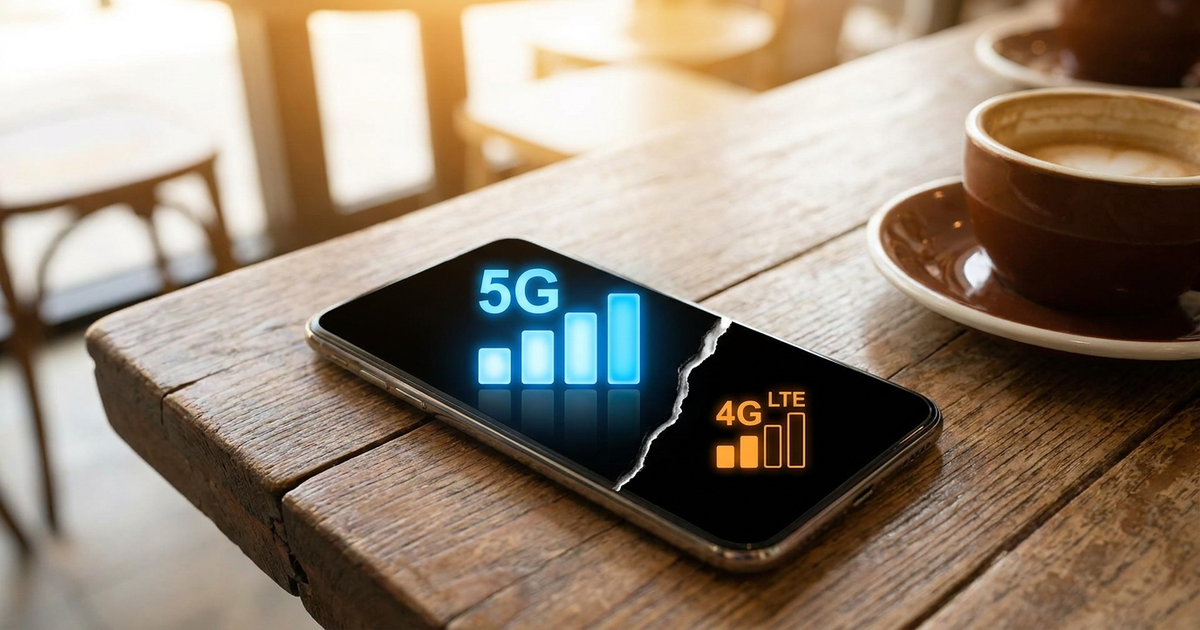
Can I use both networks at the same time, or does one shut off when I'm on a call?
Both lines stay live and can each receive calls and texts, but most phones only have one radio doing the actual transmitting at any given moment. That setup is called Dual SIM Dual Standby (DSDS) — both SIMs on standby, one active at a time — and it covers the overwhelming majority of dual SIM and dual eSIM phones sold today. True Dual SIM Dual Active (DSDA), where both networks can transmit simultaneously, exists but is rare outside select enterprise hardware. (Wikipedia, Dual SIM) On modern 4G/5G VoLTE networks, though, that limitation is fading — a dual-standby phone will often still notify you of an incoming call on the second line while you're mid-call on the first, which is the behavior that makes DSDS feel like DSDA in daily use. (Digital Citizen) The full mechanics of how two SIM cards share one handset are covered in the dual SIM basics explainer.
Do the two networks have to be different carriers?
No — and this is where most guides get vague. You can run two numbers from the same carrier, or two entirely separate carriers, and the phone treats both configurations identically. The reason to actually pick two rival networks is redundancy: each carrier covers different towers and conditions better, so pairing them means "each account can be better in some conditions — faster speeds, cheaper plans, or more coverage — and you use whichever suits best," as dual-SIM users on Quora describe running mismatched carriers side by side. (Quora) If you're only after two numbers for calls and texts, a single carrier with two lines is simpler and avoids any cross-carrier billing confusion.
My new iPhone has no SIM tray — can I still do this?
Yes, and it's actually gotten easier. Apple's iPhone 17 lineup, released September 19, 2025, ships eSIM-only in the US with no physical SIM slot at all, and the iPhone 17 Air is eSIM-only worldwide. (Gadget Hacks) That doesn't remove the two-network option — it just moves it entirely into software. Every iPhone 17 model can store eight or more carrier profiles and keep two of them active simultaneously, so you get the same two-network setup as an old-school SIM tray without a card to lose or swap. (JetPac Global) Setting your two profiles up, and knowing which is primary for data versus calls, is covered in the eSIM explainer if you're new to how the embedded profile system replaces the physical card.
Will my phone automatically pick whichever network has better signal?
Only if you turn that feature on, and only on phones that offer it. The Google Pixel 10 has an "Automatic data switching" toggle that moves your data connection between two SIMs based on which one currently has the stronger signal. (AT&T device support) Without it, your phone sticks with whichever SIM you set as the default for data, and a common complaint among dual SIM users is having to pull down the quick-settings panel and swap the data SIM by hand every time one network gets weak. (Samsung Community) Check your phone's dual SIM settings menu for an auto-switching option by name — it's brand-specific and not on by default anywhere.
Does running two networks hurt my battery or slow down my data?
Some, yes. Keeping two radios on standby costs more battery than running one SIM, and depending on the phone, signal or speed can dip slightly compared to a single-SIM setup — it's a trade-off nearly every dual SIM buying guide mentions, though few put a hard number on it. (GeekChamp) If you're only adding a second network occasionally — a travel eSIM for a trip, say — you can top up that profile's data without losing the number or reinstalling anything, which the eSIM recharge guide walks through step by step.
For the full activation walkthrough on both iPhone and Android, this guide covers setting up two active networks end to end:
Quick answer key
- Two different carriers on one phone → yes, works the same as two lines on one carrier
- Both networks active at the exact same second → mostly no (DSDS), but VoLTE makes it feel seamless
- No SIM tray on your phone → dual eSIM replaces it, works identically for two networks
- Auto-switch to the stronger network → only on phones with that specific toggle, check your settings
- Worth the battery cost → usually yes for coverage redundancy or travel, marginal otherwise
Transparency note: This article was researched and written by Chester Takau with AI assistance for research gathering and drafting. All recommendations reflect the author's own editorial judgment.


