Dual SIM Call Dropping Fix: Is It a Bug or Just How Dual SIM Works?
Dual SIM Call Dropping Fix: Is It a Bug or Just How Dual SIM Works?
By Chester Takau · July 2026
If your second line shows "No Service" or fails to ring while you're on a call with the first, that's usually the phone doing exactly what it was built to do — not a fault. This guide separates the behavior every dual SIM phone shares from the fixable bugs (bad VoLTE settings, carrier provisioning, buggy firmware) that actually cause real call drops, and walks through the fix for each one.
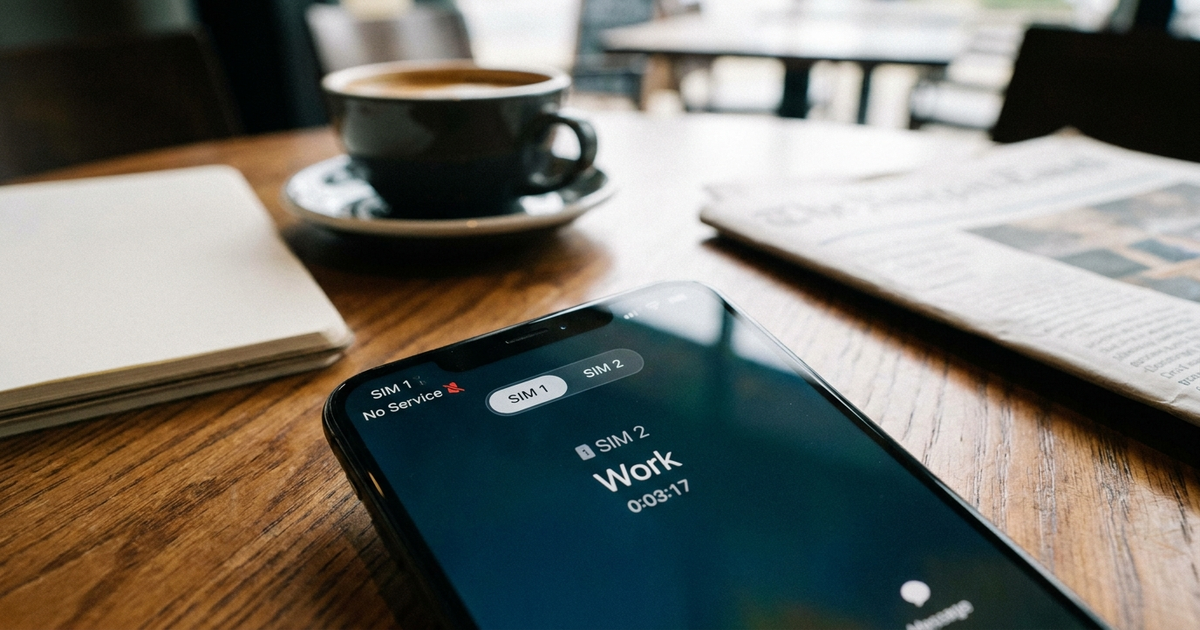
Why does my second SIM say "No Service" and drop calls the moment I answer the first line?
Almost every phone sold as "dual SIM" is actually DSDS — Dual SIM Dual Standby, not Dual SIM Dual Active. Both lines can sit idle and receive calls, but only one radio can be transmitting at a time. The moment you answer or place a call on line one, line two loses its connection to the network until that call ends. Apple documents this directly for iPhone: on Dual SIM, the line not in use shows "No Service" for the duration of the call, and the supported workaround is turning on Wi-Fi Calling for the other number so it can still ring through. (Apple support, current) Android phones with a single modem behave the same way — this isn't an iPhone quirk.
Is this an actual bug, or just how dual SIM phones work?
Use a quick test. Check whether VoLTE is turned on for both SIMs in your network settings. If it is, and your carriers both support VoLTE, and calls are still dropping or the second line still goes dark — that's a real fault, worth chasing down with a firmware update, an APN reset, or a carrier call. If VoLTE is off on one or both lines, or one of your carriers doesn't support simultaneous VoLTE, what you're seeing is the expected single-radio limitation, and no software update will remove it. The two explanations get blamed on each other constantly in forum threads, and they're both legitimate — you just have to check which one applies to your setup.
Do I need VoLTE turned on for both SIMs? Why does one line drop to 3G during a call?
VoLTE is the closest thing to a universal fix, because it lets the phone carry your call on the same LTE band that mobile data uses instead of dropping to an older, separate voice channel. Without VoLTE, placing a call on SIM 1 can force SIM 2 off LTE entirely while the call is active, which is why people describe their "internet switching to the other SIM" or falling back to 3G mid-call. (XDA Forums thread) The catch: many carriers only license VoLTE on one SIM slot at a time, so even a phone that supports dual VoLTE can be blocked by the carrier side. Some phones handle this better than others — Xiaomi, for example, documents a specific toggle on models like the 14T Pro for "using mobile data during VoLTE calls on the secondary SIM," which is the clearest built-in attempt at keeping both lines usable simultaneously. (Xiaomi support) A rundown of six fixes for dual SIM call drops, including the VoLTE settings path, is here: Fixing Pro.
This walkthrough covers the exact settings for stopping data from switching lines mid-call, which is the mechanism behind most of these complaints:
My second SIM doesn't ring or receive calls consistently — what's actually happening?
If it's not the during-a-call scenario above, and calls to your second number are missing you even when you're not on the phone, the cause is more likely carrier-side provisioning than the handset. Carrier community threads describe this as the network simply "not accepting calls" on the second number regardless of phone settings — a provisioning fault your carrier has to fix, not something you can patch from the settings app. (Public Mobile community) Pixel owners have reported the same inconsistent-ringing pattern in Google's own support forum. (Google Pixel Phone Help) Worth knowing either way: a call that can't reach you doesn't just vanish. Depending on your setup it either rings out to voicemail or gets a busy signal on the caller's end — so setting up voicemail on both lines means nothing is a true "lost" call, just a delayed one.
Did a recent software update cause this?
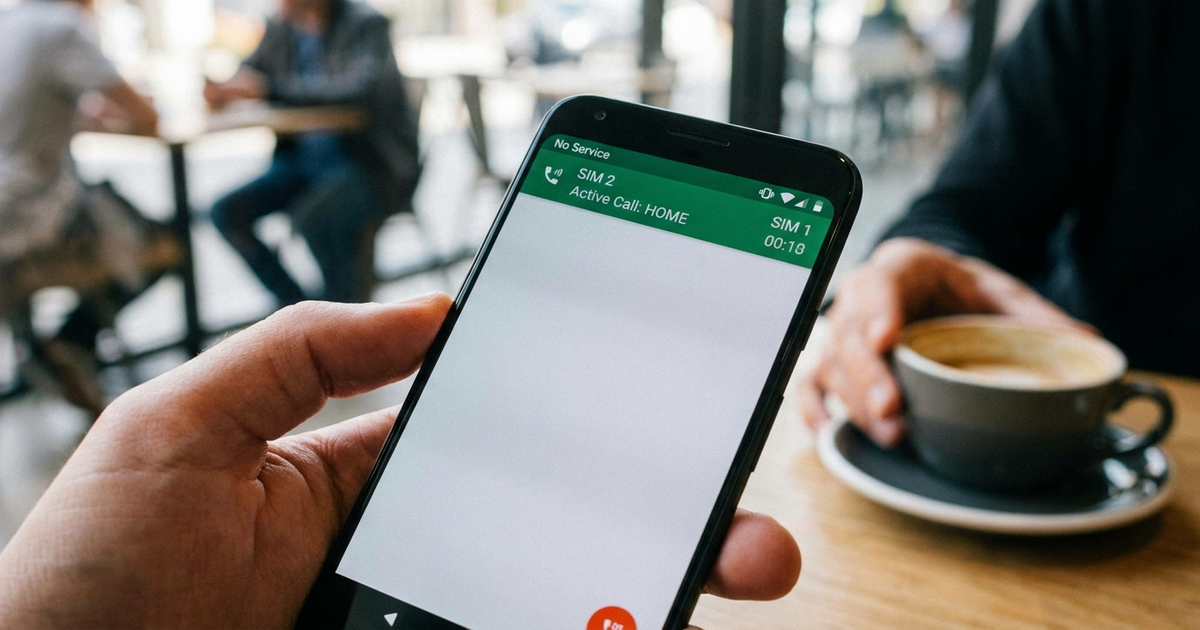
Check your update history before you troubleshoot anything else. Apple shipped iOS 26.0.1 specifically to fix eSIM and cellular failures that iOS 26 introduced — plenty of users only got signal back after installing it and restarting the phone, which confirms some of this really is a firmware bug rather than user error. (Apple Support Communities) On the Android side, Samsung's own community has an active 2026 thread about Galaxy S26 mobile data dropping out on dual SIM, with VoLTE toggling and a carrier-settings refresh as the reported workarounds. (Samsung Community) The Galaxy S25 had a similar "Emergency calls only" bug on its second line after screen-off — I covered the fix for that specifically in the Galaxy S25 dual SIM review. If you're on older hardware and want to know which brands handle dual VoLTE and eSIM cleanly before you buy, the dual SIM vs eSIM breakdown is a useful starting point.
Is Wi-Fi Calling the real fix for the "No Service" line?
Yes, and it's the one fix Apple actually recommends rather than treating as a workaround. Since the inactive SIM losing cellular service during a call is expected DSDS behavior, Wi-Fi Calling routes that line's calls and texts over your internet connection instead, so it stays reachable even while the other SIM is busy on a cellular call. (Apple's Dual SIM with eSIM guide) It's available on both iPhone and Android, needs to be enabled per line in your carrier settings, and matters most if you regularly need both numbers reachable at the same time — for instance if you're keeping a work and personal line active while traveling. My setup for exactly that situation is in the dual SIM for remote workers guide.
Am I actually dialing out on the wrong SIM?
Worth ruling out before you blame the radio: a call placed from the wrong line — one with no minutes, no coverage, or a suspended plan — will fail or drop in a way that looks identical to a real call-drop bug, but the fix is a default-SIM setting, not a firmware patch. Stock Android's habit of asking which SIM to call from every single time makes mis-dials common, which is exactly why Google has been testing a persistent per-line SIM selector in the Phone app beta — a small drop-down above the dial pad that remembers your chosen line instead of asking each time. It appeared in the public beta in June 2026. (Android Authority) Until that rolls out generally, setting a default calling SIM manually in your phone app settings avoids the same problem. If you're setting up eSIM on iPhone and want the line-selection settings explained step by step, see the iPhone eSIM setup guide.
Quick checklist to stop dual SIM call drops
- Turn on VoLTE for both SIMs in network settings — confirm both carriers actually support it simultaneously
- Enable Wi-Fi Calling on whichever line tends to go quiet during calls on the other
- Set a default calling SIM so "drops" aren't actually mis-dials on a dead line
- Install any pending OS update — iOS 26.0.1 and recent One UI patches specifically address dual SIM cellular bugs
- If a specific number never rings, contact your carrier about provisioning before assuming it's the phone
- Set up voicemail on both lines so a missed call during the DSDS gap isn't a lost call
Transparency note: This article was researched and written by Chester Takau with AI assistance for research gathering and drafting. All recommendations reflect the author's own editorial judgment.


