Samsung Galaxy S25 Dual SIM Review: Great Dual-SIM Software, a Camera That Underwhelmed Me
Samsung Galaxy S25 Dual SIM Review: Great Dual-SIM Software, a Camera That Underwhelmed Me
By Chester Takau · July 2026
Verdict
The Galaxy S25's dual-SIM handling is genuinely good once One UI 8.5 lands — per-app SIM control, a cleaner status bar, up to 8 stored eSIM profiles. But if you were buying it partly for the camera, temper your expectations: next to the Vivo X200 Ultra and Oppo Find X8 Pro/Ultra, the S25's photos came out noticeably flatter and less detailed in my side-by-side use.
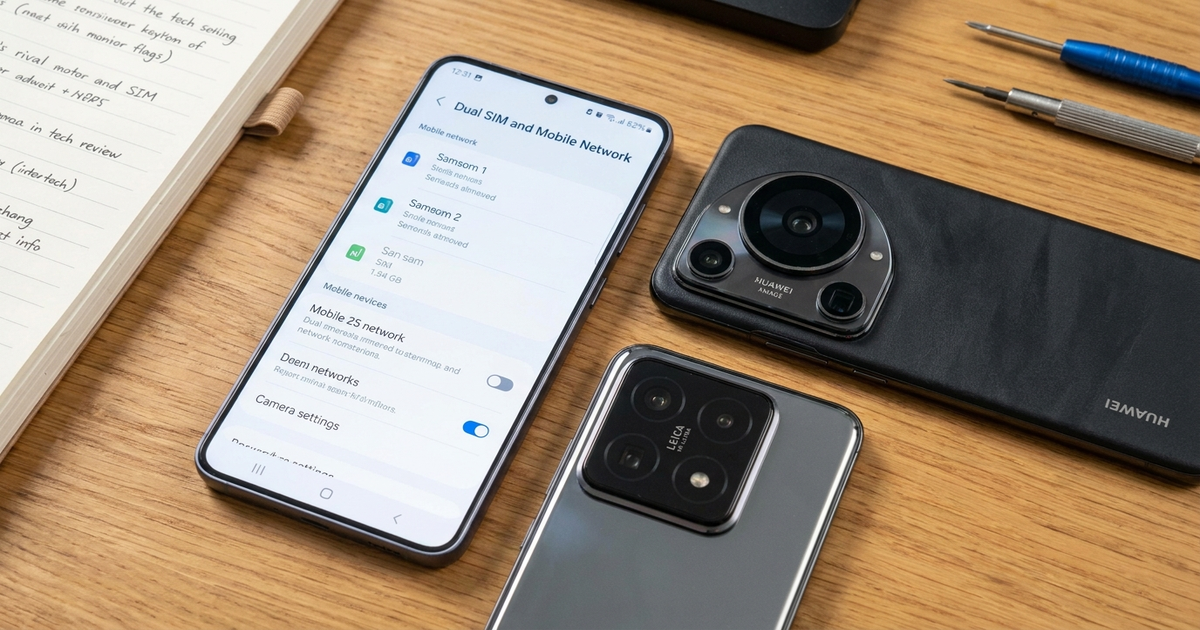
Based on hands-on use plus current 2026 reporting on the One UI 8.5 rollout and known dual-SIM bugs.
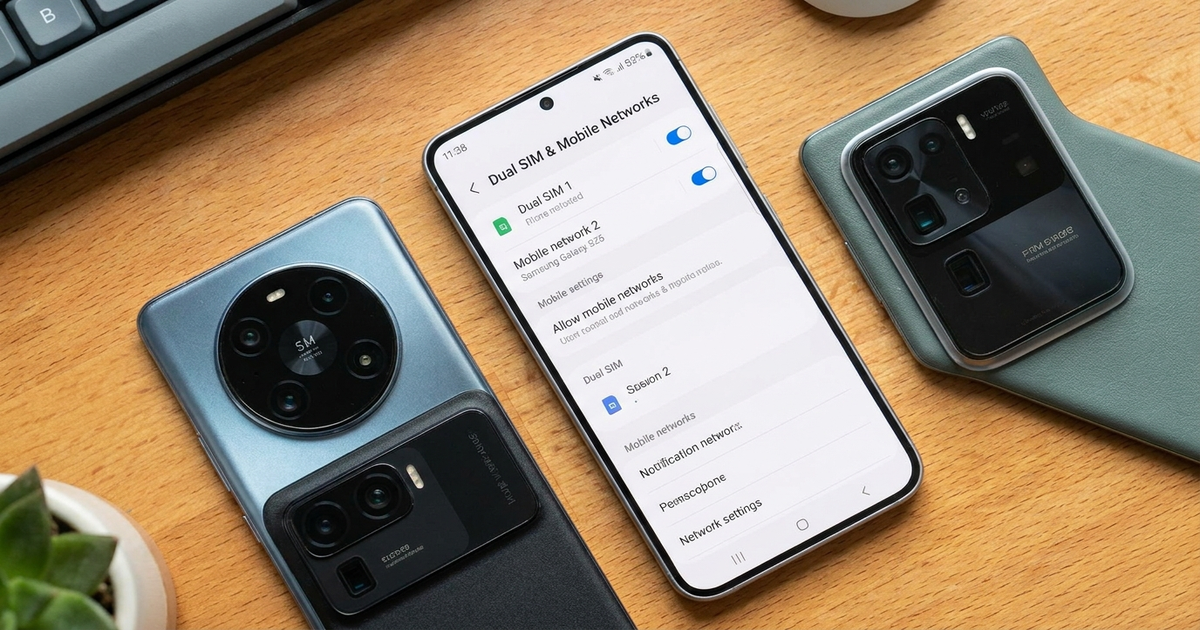
Short answer: the Galaxy S25's dual-SIM setup works well and got meaningfully better with One UI 8.5 — per-app SIM assignment, a unified status bar icon, and up to 8 stored eSIM profiles with 2 active at once. What surprised me wasn't the SIM handling, it was the camera. I went in expecting a high-end Samsung to lead on photos, and instead it was the weakest part of the phone next to two Chinese flagships I tested alongside it. This review covers both — the SIM configuration you actually need to know before buying, and the camera gap nobody selling you this phone will mention.
Samsung Galaxy S25 Dual SIM Matrix by Region
| Region | Physical SIM | eSIM | Notes |
|---|---|---|---|
| United States | 1 Nano-SIM | Yes, dual active | No two-physical-SIM tray |
| Most international markets | 2 Nano-SIM (hybrid tray) | Yes | Choose 2 physical or 1 + eSIM |
| China | 2 Nano-SIM | No | eSIM restricted by regulation |
| Galaxy S25 Edge | Varies by region | Yes | Samsung hasn't published a full regional matrix — confirm with your carrier before buying it specifically for dual SIM |
The one thing worth repeating: Android Authority confirmed in January 2025 that US S25 units ship with a single physical Nano-SIM slot, not two. If you're coming from a market with a hybrid dual-SIM tray, that's the change to plan around — your second line has to be an eSIM in the US, no exceptions.
Can the S25 Run Two eSIMs at the Same Time?
Yes. Current 2026 guides confirm the S25 line stores up to 8 eSIM profiles, with 2 active in parallel — either dual eSIM or one eSIM plus the physical Nano-SIM. For travel, that's the practical win: load a local eSIM before you land while your home number stays parked as the second line, no swapping trays in an airport bathroom.
Why Does the Second SIM Say "Emergency Calls Only"?
This is the complaint that shows up most in Samsung's own community forums, and it's not isolated. Owners report the second eSIM (or second physical SIM) dropping to "Emergency calls only" after the screen turns off, sometimes taking close to five minutes to reconnect after a reboot. It spans carriers and both physical+eSIM combinations, which is why the consensus on Samsung's community threads is that this is a One UI/modem software bug, not a hardware fault. There's no confirmed fix as of mid-2026 — if you hit it, the common workarounds are resetting the APN for the affected line, toggling airplane mode, and checking you're on the latest One UI 8.5 build, which at least reduces frequency for some users even if it hasn't eliminated the issue outright.
One UI 8.5: The Update That Finally Fixed the US Dual-SIM Gap
One UI 8.5 is the biggest dual-SIM overhaul this series has had. It began rolling out in South Korea in early 2026 and reached stable release in the US in May 2026. The headline change for US owners: proper per-app dual-SIM controls, letting you assign calls, texts, and data to different lines independently — a feature international S25 buyers already had. The status bar also got a genuine fix: a single unified dual-SIM network icon replaced the cluttered two-icon layout that's been in place since One UI 8. Small thing, but if you've ever squinted at two overlapping signal indicators trying to figure out which line has service, you'll notice.
Setting up which line handles what is straightforward once you're on 8.5: open SIM Manager, tap each line, and assign it to calls, texts, or mobile data individually rather than toggling a single "default" SIM for everything. This walkthrough shows the process on an S25/S25 Ultra:
The Camera Is Where the S25 Lost Me
Here's my actual gripe with this phone, and it's not the SIM software. I bought a high-end Galaxy expecting the camera to be the strongest part of the package — that's the reputation Samsung has built over a decade of S-series launches. Instead, running it side by side against a Vivo X200 Ultra and an Oppo Find X8 Pro/Ultra, the S25's images consistently looked flatter in mixed lighting and lost detail faster once I zoomed past 3x. Both Chinese phones use larger, Zeiss- and Hasselblad-tuned main sensors built around genuine periscope zoom hardware, and it shows in files pulled straight off the phone, not just in marketing slides.
| Phone | What stood out | My read |
|---|---|---|
| Galaxy S25 | Consistent, reliable color — nothing wrong, nothing exciting | Solid, not class-leading |
| Vivo X200 Ultra | Sharper zoom detail, better low-light retention | Ahead on zoom and low light |
| Oppo Find X8 Pro/Ultra | Wider dynamic range in mixed indoor/outdoor light | Ahead on dynamic range |
None of this makes the Galaxy S25 a bad phone. The dual-SIM software, the build, the display are all where you'd expect from Samsung's flagship tier. But if the camera is a deciding factor and you have access to either of those two Chinese flagships, don't assume the Samsung name means it wins that comparison by default — in my experience it didn't.
S25 vs S24: Did Dual SIM Get Worse?
This is a common complaint I see repeated in forums, and it tracks with what the bug reports suggest: the S24 generation didn't have the same volume of "emergency calls only" complaints. Whether that's a genuine regression in the modem/software stack or just more S25 units in the wild generating more reports isn't something Samsung has clarified publicly. What is clear is that One UI 8.5 addresses the feature gap (per-app SIM control, unified icon) more decisively than it addresses the connectivity bug — treat the two as separate issues rather than assuming one update fixed both.
Should You Buy the Galaxy S25 for Dual SIM Use?
- Buying in the US: confirm you're fine with 1 physical SIM + eSIM for line two — there's no dual-tray US model
- Buying international: you get the hybrid tray, so 2 physical SIMs is an option if you'd rather skip eSIM entirely
- Update to One UI 8.5 immediately for per-app SIM control and the cleaner status bar
- If your second line keeps dropping to emergency-only, reset the APN and toggle airplane mode before assuming it's hardware
- If camera quality is a top-three priority, put a Vivo X200 Ultra or Oppo Find X8 Pro/Ultra in your hands before deciding — don't assume the Samsung badge wins that category
If you're weighing whether to run a second eSIM or track down a physical SIM for a specific trip, the dual SIM vs eSIM breakdown covers which setup fits which situation, and the eSIM setup guide walks through activation on Android step by step. For anyone using the S25 across borders regularly, the best eSIM plans for travel comparison and the dual SIM for remote workers setup are both worth reading before your next trip.
Transparency note: This article was researched and written by Chester Takau with AI assistance for research gathering and drafting. All recommendations reflect the author's own editorial judgment.


