eSIM QR Code Expired What to Do: The Full Fix
eSIM QR Code Expired What to Do: The Full Fix
By Chester Takau · July 2026
TL;DR
- An expired QR code isn't lost money — reputable providers (Airalo, Saily, Holafly, Nomad) reissue a new one free, often within minutes via in-app chat
- Most travel eSIM QR codes expire 30–90 days after purchase if you never installed them — but check your confirmation email, since some carriers (Orange Travel) never expire until scanned
- "Code no longer valid" often means already installed, not actually expired — check Settings → Cellular before assuming it's dead
- eSIM codes are typically single-use and capped at roughly 10 downloads — cancelling mid-install can permanently burn a code that looked fine seconds earlier
- If a provider refuses to reissue, most travel eSIM refund windows run 5–14 days with proof the eSIM was never installed
An expired eSIM QR code almost never means you've lost your purchase. It means one of three things happened: the code sat unused past its activation window, it got flagged as "already used" when it actually finished installing silently, or a cancelled install burned a single-use code. Each has a different fix, and none of them start with panicking about a refund. Work through the checks below in order.
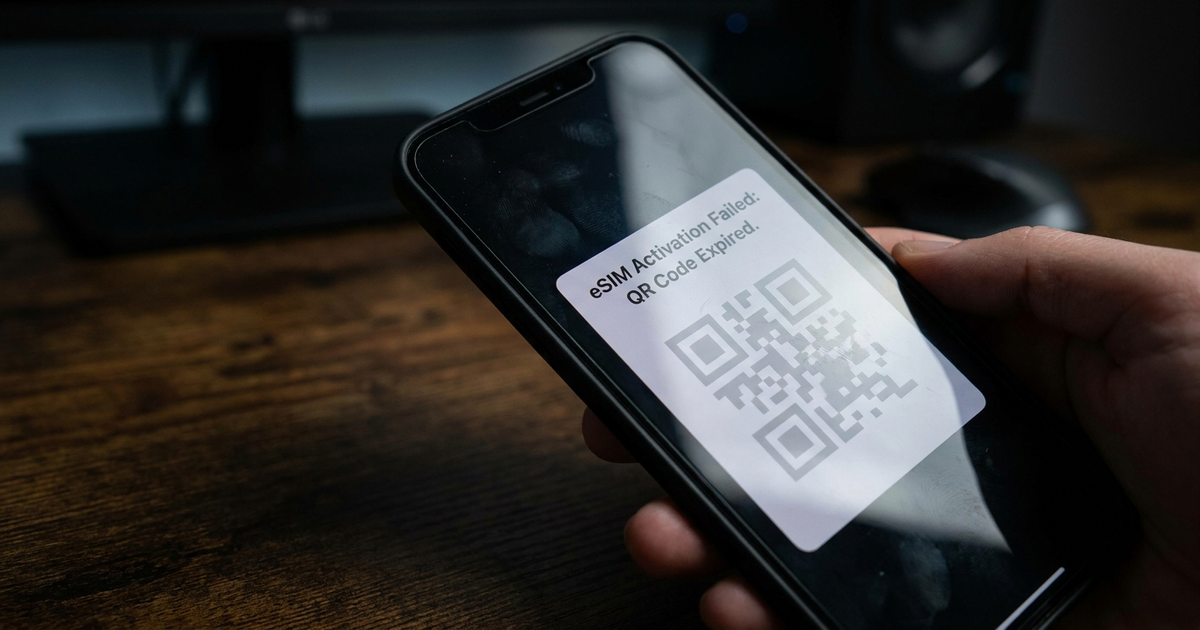
First: is it actually expired, or already installed?
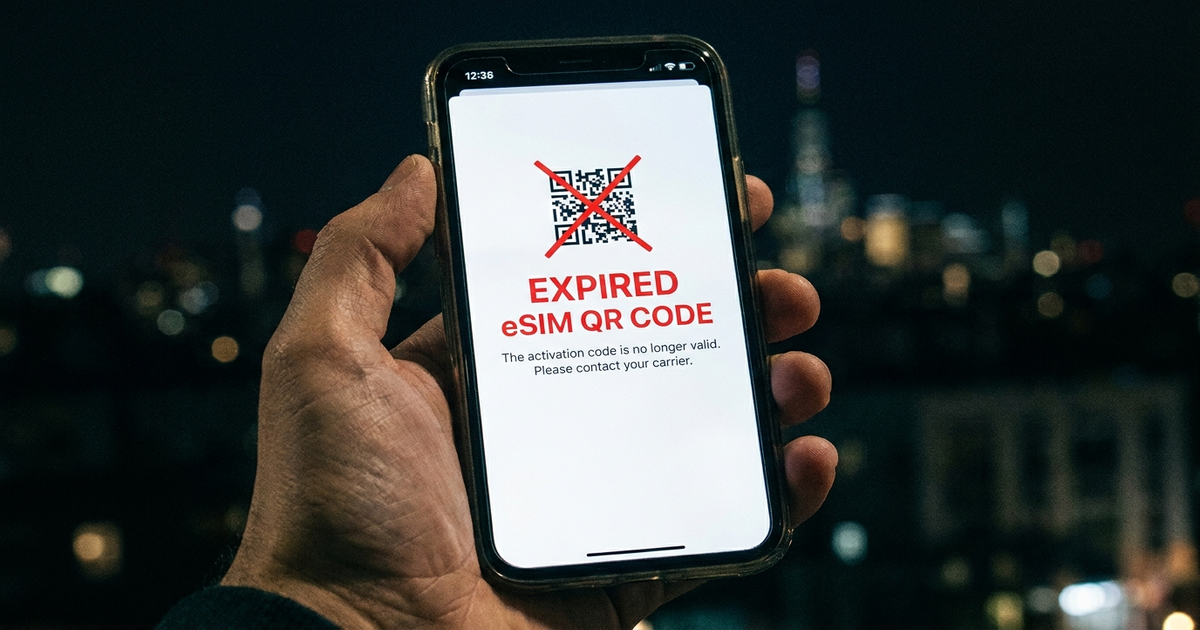
Before contacting anyone, check whether the eSIM silently finished installing on a previous attempt. Go to Settings → Cellular/Mobile Service and look for a profile matching your provider's name. eSIM codes are frequently single-use, and a scan that appears to fail partway through can still register as "used" on the provider's side even though nothing shows as active on your phone. (Celitech help center) If you see the profile listed but inactive, you likely don't need a new code at all — you need to enable the existing one.
"This code is no longer valid" on iPhone — what it actually means
This exact iOS error most commonly fires for one of two reasons: the code has already been used once (even if the install then failed), or the activation window on the provider's side has genuinely lapsed. Apple doesn't distinguish between the two in the error text, which is why the Settings check above matters first. Once you've ruled out a silent install, the fix is the same either way — request a fresh QR code from the carrier rather than rescanning the old one. (Simbye, on the iPhone error)
How long is an eSIM QR code actually good for?
There's no single answer, and that inconsistency is exactly what catches people out. Most travel eSIM resellers set an activation window of 30 to 90 days from purchase — if you bought the code and never installed it inside that window, it can genuinely stop working before you've used a single megabyte. (Earth SIMs, 2026) Some carriers extend that window to a full year. And at least one provider breaks the pattern entirely: Orange Travel states its eSIM QR code has no expiration date at all and stays valid until it's scanned and loaded, whatever that ends up being. (Orange Travel support) The only way to know your specific deadline is to check the confirmation email or account page from whoever sold you the code — don't assume it matches a guide written for a different provider.
It also helps to separate two dates that get conflated constantly: the activation window is how long you have to install the profile at all, while the validity period is how long the data plan lasts once you've activated it. Missing the activation window kills the QR code before you've used any data; running past the validity period just means the plan you already installed has ended. (Nomad eSIM, 2026) If you're planning ahead for a trip, the step-by-step eSIM setup guide covers timing the install correctly so you don't burn the activation window before you've even left home.
Rule out the false alarms before you contact support
Two things routinely trigger a false "invalid/expired" error on a code that's actually still fine: an incorrect device date or time, and an active VPN interfering with the activation handshake. (eSIMDB troubleshooting guide) Set your date and time to automatic, turn off any VPN, and retry the scan once before assuming the code itself is dead — it takes thirty seconds and saves a support ticket.
Get a replacement code — who to contact and what to expect
Once you've confirmed it's genuinely expired or burned, the fix is a replacement, not a rescan. Contact the eSIM reseller or carrier directly — not Apple or Google, since neither controls the activation profile. The major travel providers have made this close to painless: Airalo, Saily, Holafly, and Nomad eSIM will all regenerate a new activation code for free, and Airalo's in-app chat typically issues one within minutes. (Earth SIMs, 2026) A carrier eSIM works the same way — ask your carrier's support line or app for a re-issued QR code rather than trying the old one again, which the what is eSIM explainer covers in more detail if you're unclear on how the underlying profile system works.
QR image damaged, not the code itself? Try manual activation
If the actual QR image is corrupted, low-resolution, or won't scan for a reason unrelated to expiry, you don't need a new code — you need a different way to enter the same one. Your provider's confirmation email or account page will list the underlying SM-DP+ server address and activation code as text. Go to Settings → Mobile Service → Add eSIM → Enter Details Manually and type them in directly. This bypasses the camera entirely and works even when the image itself is unreadable, as long as the code hasn't actually expired.
Running two eSIMs? Watch the download limit
Most eSIM profiles cap how many times they can be downloaded to a device — often around ten — and codes are frequently single-use regardless of the cap. (Celitech help center) If you're juggling a primary eSIM alongside a second travel or work profile on a dual SIM phone, an expired or burned second code doesn't touch your primary line's data or calls — the two profiles are independent. It does mean you can't just keep re-downloading the same second profile to test it; if you cancel mid-install more than once, expect to burn through that limit and need a fresh code sooner than you'd think.
MobiMatter's walkthrough below shows this exact "eSIM Cannot Be Added" error on iPhone and the reinstall path from a provider's perspective:
If the provider won't reissue — refund and escalation
A reputable provider reissuing a code costs them nothing, so refusal is rare — but if it happens, most travel eSIM providers offer a refund window of roughly 5 to 14 days from purchase, provided you can show the eSIM was never actually installed. (Earth SIMs, 2026) Keep a screenshot of the exact error message and the date you first attempted the scan — that's the evidence a support ticket or, failing that, a card chargeback will ask for. Don't wait weeks to raise it; refund windows are usually measured from the purchase date, not from when you first tried to activate.
What not to do
- Don't keep rescanning an expired or already-used QR code — it won't reset the code and some providers flag repeated failed attempts
- Don't delete an installed eSIM profile hoping to "refresh" it before confirming with support whether the code can be reused — deletion is often permanent
- Don't assume "expired" and "invalid" mean the same root cause — check Settings, date/time, and VPN before requesting a replacement
Quick reference: match your situation to the fix
- Profile shows in Settings but inactive → it's already installed, enable it, don't request a new code
- "No longer valid" and nothing in Settings → genuinely expired or burned, request a reissue
- Error appears minutes after purchase → check device date/time and turn off any VPN, then retry
- QR image won't scan but should still be valid → enter the SM-DP+ address and code manually
- Cancelled an install partway through → the code is likely burned, request a fresh one
- Provider won't reissue → check the refund window and send proof it was never installed
For the full first-time activation walkthrough on any phone, see the dual SIM basics guide, which covers how a second line interacts with your primary SIM before you even get to the eSIM-specific steps.
Transparency note: This article was researched and written by Chester Takau with AI assistance for research gathering and drafting. All recommendations reflect the author's own editorial judgment.


